Draw or upload your signature, press Ctrl+Shift+S, click — signed. Any PDF, image, or web page, right in Chrome.
Free forever plan · No account needed · Works offline
Chrome
Brave
Edge
Firefox
Not anymore. Just sign it.
No accounts, no uploads, no printer. Your signature lives in your browser and goes wherever you click.
Sign on the drawing pad, or drop in a photo of your signature, stamp, or initials. The background is removed instantly, entirely on your device.
Your signature follows the cursor. Click where it belongs — on a contract, a form, a PDF — then drag to fine-tune. Right-click works too.
One click exports your signed PDF or image — contract-signed.pdf, ready to send back.
The whole flow — pick Chrome, draw, place, download, and why nothing ever leaves your browser.
The launch film — and why nothing ever leaves your browser.
Upload a photo of your signature on paper — the paper disappears, leaving a clean transparent stamp. No cloud, no API.
Signly opens PDFs in its own viewer. Place your signature, stamp today's date, and download the signed file in one click.
Contracts in web portals, images, forms — if Chrome can show it, Signly can sign it. File URLs included.
Ctrl+Shift+S toggles stamp mode anywhere. Esc cancels. Your mouse clicks it into place.
Right-click any page or PDF link → “Place Signature Here”. Three ways in: shortcut, menu, or the toolbar button.
Save your initials, a company stamp, or an ID photo alongside your signature and pick the right one as you place it.
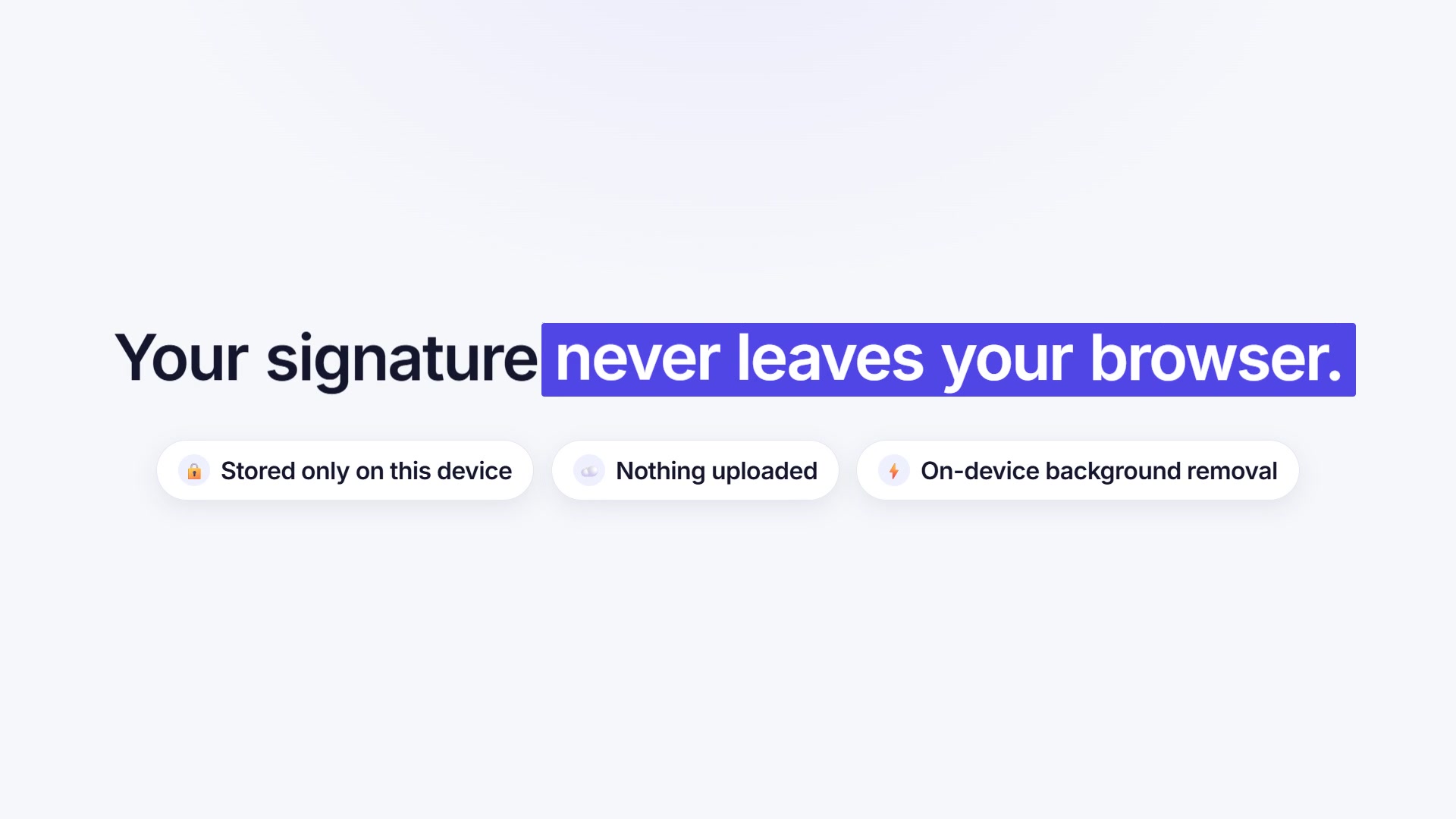
Signatures are stored only on this device. Background removal runs locally. There is no upload button because there is nothing to upload to.
The Free plan is a real plan, not a trial. Upgrade only if you sign a lot.
Really. Signatures are stored in Chrome’s local storage on your computer, placement happens in your browser tab, and even background removal runs locally. The only network call Signly ever makes is checking a Pro license key — and that never includes your signature or your documents.
Yes — it’s the main event. Signly opens PDFs in its own viewer where you click to place your signature (and a date stamp on Pro), then downloads the signed file, e.g. contract-signed.pdf. It also signs PDFs linked on web pages via right-click → “Open & Sign PDF”.
Free gives you 2 saved signatures, 5 signings a day, and 2 watermark-free downloads a day — enough for everyday use. Pro ($4.99/mo or $39/yr) removes every limit and the watermark, adds up to 10 saved items, batch signing, and date stamps.
Signly supports all major browsers — Chrome, Brave, Edge, and Firefox. Install it from your browser's extension store and sign away.
Signly places your real signature on documents — the same as signing on paper and scanning. Whether a signed document is legally binding depends on your jurisdiction and the document type; for regulated workflows, check the requirements that apply to you.
Join Signly today — draw your signature once and sign everything, everywhere, forever.
Add to Chrome — it’s free